Nintex DocGen Alternative for Salesforce: A Lighter, Faster Option for Mid-Market Teams
16 Nov 2026
Table of Contents
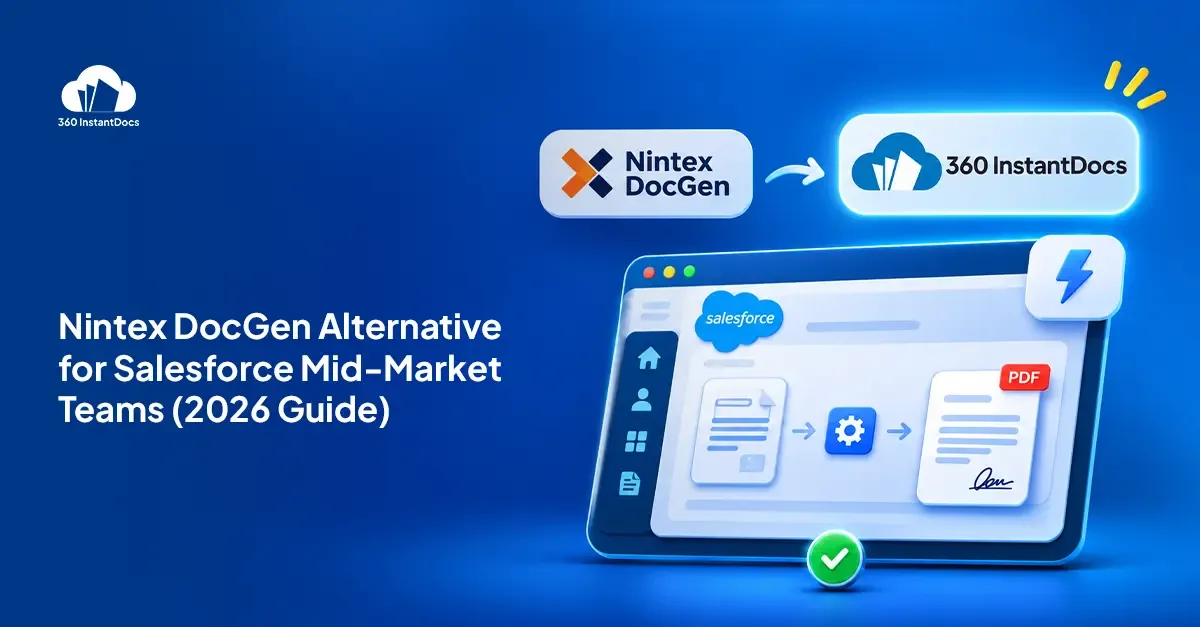
The best Nintex DocGen alternative for mid-market Salesforce teams is a native, Word-based tool with simple per-user pricing, such as 360 InstantDocs, which starts at $7/user/month.
That’s the short answer. The longer one starts with a familiar moment: a renewal quote lands in your inbox, and nobody on the team can say exactly what they use half of it for. Salesforce document generation is supposed to be the quiet part of the stack. Quotes, contracts, and invoices should just appear, correct, when a record changes. When the tool behind that starts to feel like a project of its own, it’s worth asking whether something lighter would do the same job. This guide covers what Nintex DocGen does well, why teams start looking elsewhere, and how to switch without breaking a single contract.

What is Nintex DocGen for Salesforce?
Nintex DocGen for Salesforce is a document generation app that runs on the Salesforce platform. Its roots go back to Drawloop Technologies, an Irvine, California company that Nintex announced it was acquiring in 2015. Nintex wanted to combine Drawloop’s document merging with its own workflow automation, which is why you’ll still see the product called Nintex Drawloop DocGen.
In practice, you build DocGen Packages that define the data, the templates, and the delivery. Nintex’s installation documentation describes a setup wizard, a 30-day trial with five licenses, and a purchase flow where you choose the number of user licenses and receive an order form. It outputs Word, Excel, PowerPoint, and PDF, and it sits inside the wider Nintex process automation platform.
It’s a mature tool, and many teams run it happily for years.
Why teams look for a Nintex DocGen alternative
Nobody wakes up wanting to replace a working tool. The trigger is usually a renewal, a new admin, or a template change that took far too long. These are the themes that come up most in published reviews.
Cost and clarity. Nintex’s own purchase flow asks you to pick a license count and wait for an order form, and third-party listings on Capterra show a starting price of $20 per user per month. Reviewers on Capterra call it expensive, and one wrote it “can be costly as you are paying for every time you use the product.” If testing a new template costs money, people test less.
Package and setup complexity. “Set up is confusing. Too many steps,” one reviewer wrote on Software Advice. Several others say template changes are the hard part, and some used a consultant to get started.
The learning curve. Reviewers mention needing PDF and Word formatting knowledge to map fields, thin documentation, and formatting that doesn’t always carry over from the Word template. Some say features differ between Classic and Lightning.
Fit. Nintex built DocGen to sit alongside workflow automation. A mid-market team that only needs documents may feel it’s buying a platform to run a document tool. That’s a judgment call, not a reviewer complaint.
To be fair, the same reviewers rate it 4.6 out of 5 on Capterra across 19 reviews and say it works well once configured. The pattern is clear, though. The tool is capable, and the friction sits at the start and at every change. For a mid-market team without a dedicated Salesforce developer, that friction is the real cost, more than the license line on the invoice.
What to look for in an alternative
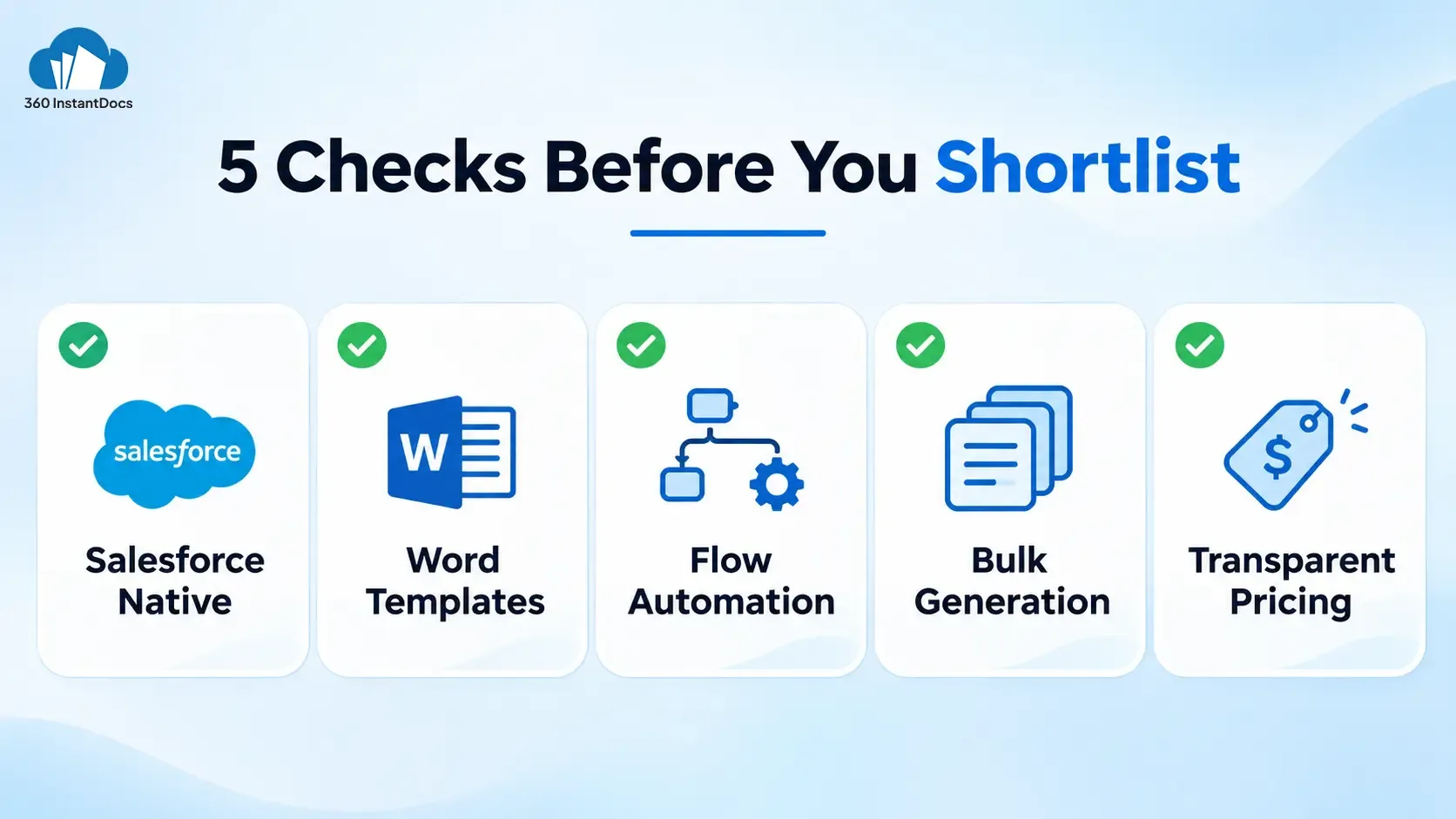
Whether you’re searching for a Nintex Drawloop alternative or a first-time document tool, check these five things before you shortlist.
- Salesforce native. Your data should stay in your org, with no middleware between Salesforce and the document. Fewer moving parts means fewer things to break at month-end.
- Word templates. Templates should live in the tool your team already uses, so admins and business users can edit them without opening a ticket.
- Flow automation. Document generation should trigger from Salesforce Flow, not only from a button.
- Bulk generation. You should be able to generate hundreds of documents from a list view or report.
- Transparent pricing. You should be able to see a price, and predict next year’s bill before you sign, not after the first invoice.
Nintex DocGen vs 360 InstantDocs
| Criteria | Nintex DocGen | 360 InstantDocs |
|---|---|---|
| Pricing model | Per-user licenses; some reviewers cite usage-based charges | Per user, per month |
| Published price | Not shown in Nintex’s purchase flow; third-party listings show from $20/user/month | From $7/user/month, plus 50 documents free every month |
| Template editor | DocGen Packages inside the Nintex app | Microsoft Word, through the Word Add-In |
| Setup time | Longer ramp-up; reviewers describe setup as confusing | A first template can be live the same day |
| Flow support | Flow-based and scheduled automation | Native Invocable Action for Salesforce Flow |
| Bulk generation | Yes, including scheduled runs | Yes, from list views and reports |
| E-signature | DocuSign delivery and Nintex eSign integration | Routes to DocuSign, Dropbox Sign, or Conga Sign |
| Output formats | Word, Excel, PowerPoint, PDF | Word, PDF, Excel |
| Best for | Orgs on the wider Nintex platform or with complex, multi-step packages | Mid-market teams that want lightweight, no-code Salesforce document generation |
How to switch from Nintex to 360 InstantDocs
You don’t need a big-bang migration. Four steps keep it calm.
- List your active DocGen packages. Note which ones actually ran in the last quarter, who owns each, and which Flows or buttons trigger them. Most orgs find a few they can retire before migrating anything.
- Rebuild the top five templates in Word. Start with the documents that go out most often, such as quotes, invoices, and contracts. Re-map the merge fields to your Salesforce objects, and reuse your approved wording so Legal doesn’t need to re-review the text.
- Swap Flow and button triggers. Point your Flows to the InstantDocs action, and place the new Generate button on the record page. Test each trigger in a sandbox first, so a missed mapping doesn’t surface in front of a customer.
- Run both tools in parallel for one billing cycle. Compare outputs side by side before you cancel anything. If a template doesn’t match, fix it while the old one still works. Cancel Nintex only after a full month-end passes cleanly.
When Nintex is still the right choice
An honest comparison has to say this. Nintex DocGen may fit better if your organization already runs the full Nintex process platform, or if your documents sit inside complex, multi-system workflows with conditional routing across many steps. It also supports Excel, PowerPoint, and Word, so if you generate presentations at volume, that matters. If you’re deeply invested and the team knows it well, switching may not pay off.
A simple test helps. If most of your DocGen packages are one template, one object, and one delivery step, you’re likely paying for depth you don’t use. If your packages chain across systems, stay and negotiate your renewal instead.


Solve It with Salesforce. We’ll Show You How.
AI. Apps. Experts. Everything you need to win with Salesforce under one roof.Frequently Asked Questions
Is Nintex DocGen the same as Drawloop?
They share a lineage. Nintex acquired Drawloop Technologies in 2015 and built its document generation into the Nintex product line. The Salesforce app is now called Nintex DocGen for Salesforce, though you'll still see it labeled Nintex Drawloop DocGen in many places.
How much does Nintex DocGen cost for Salesforce?
Nintex's purchase flow has you choose a license count and receive an order form. Third-party listings on Capterra and Software Advice show a starting price of $20 per user per month. Reviewers also mention usage-based costs, so get a written quote that covers your volume.
What is the cheapest Nintex DocGen alternative?
360 InstantDocs is a low-cost option, starting at $7 per user per month with 50 free documents every month. That's below the $20 starting figure on third-party Nintex listings. Compare total cost, including users and volume, before you decide.
Can I migrate Nintex DocGen templates to Word templates?
You can reuse the content and layout, but plan to rebuild each template and re-map its merge fields in InstantDocs. Start with your top five documents. I haven't confirmed an automatic converter, so treat migration as a rebuild, and run both tools in parallel for one billing cycle.
Does 360 InstantDocs support bulk document generation like Nintex?
Yes. You can generate hundreds of documents from Salesforce list views or reports in one action. Nintex DocGen supports bulk and scheduled runs too, so compare how many steps each takes to set up and how each prices volume.

About the author
Editorial TeamThe Editorial Team at 360 Degree Cloud brings together seasoned marketers, Salesforce specialists, and technology writers who are passionate about simplifying complex ideas into meaningful insights. With deep expertise in Salesforce solutions, B2B SaaS, and digital transformation, the team curates thought leadership content, industry trends, and practical guides that help businesses navigate growth with clarity and confidence. Every piece we publish reflects our commitment to delivering value, fostering innovation, and connecting readers with the evolving Salesforce ecosystem.
Recent Blogs
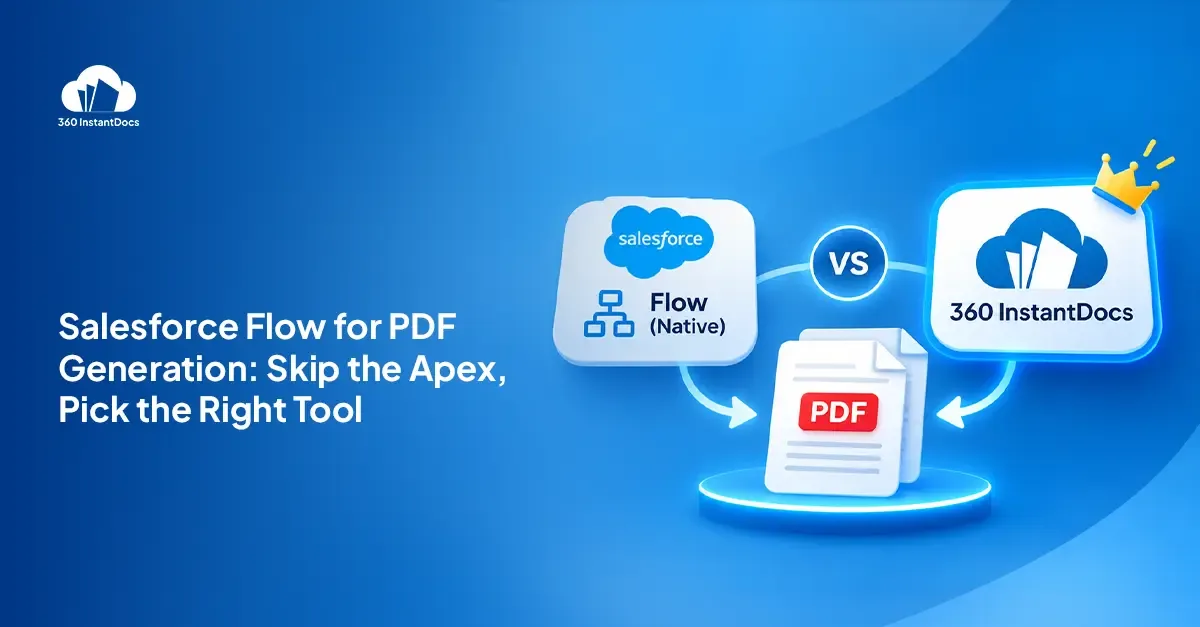
Salesforce Flow to Generate PDF: Native Options vs a Document Generation App
Can Salesforce Flow generate a PDF? Compare Visualforce, Apex and native document tools with a no-code document generation app, and pick the right fit.
Read More: Salesforce Flow to Generate PDF: Native Options vs a Document Generation App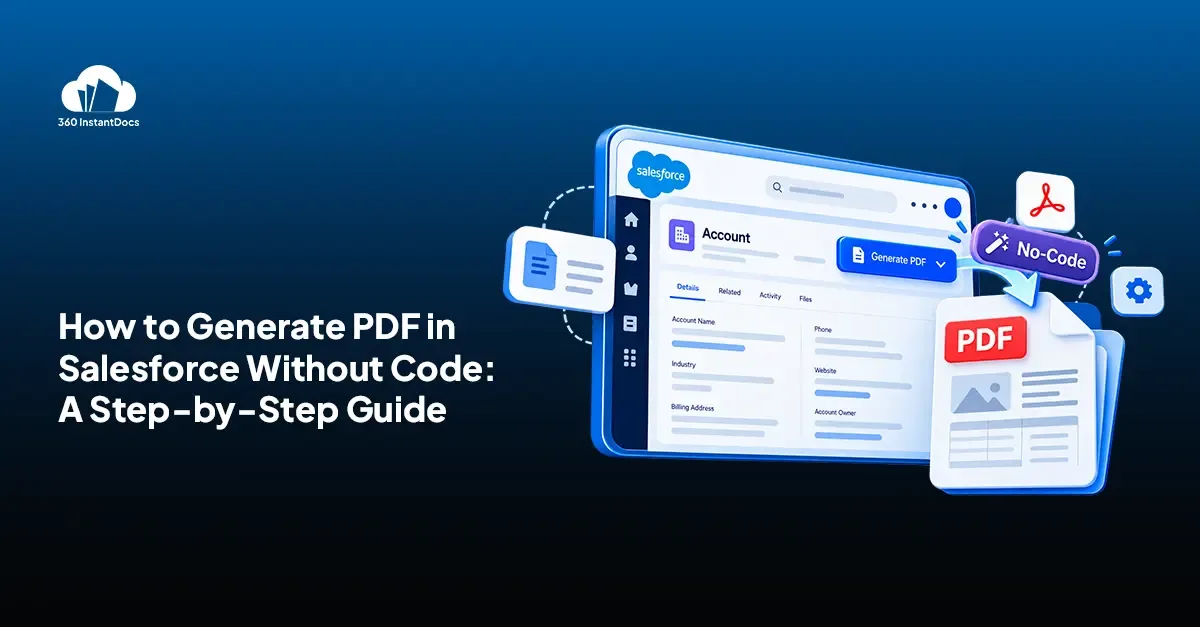
How to Generate a PDF from a Salesforce Record Without Code
Learn how to generate PDF in Salesforce from any record in a few clicks. Compare native options, then follow six no-code steps with 360 InstantDocs.
Read More: How to Generate a PDF from a Salesforce Record Without Code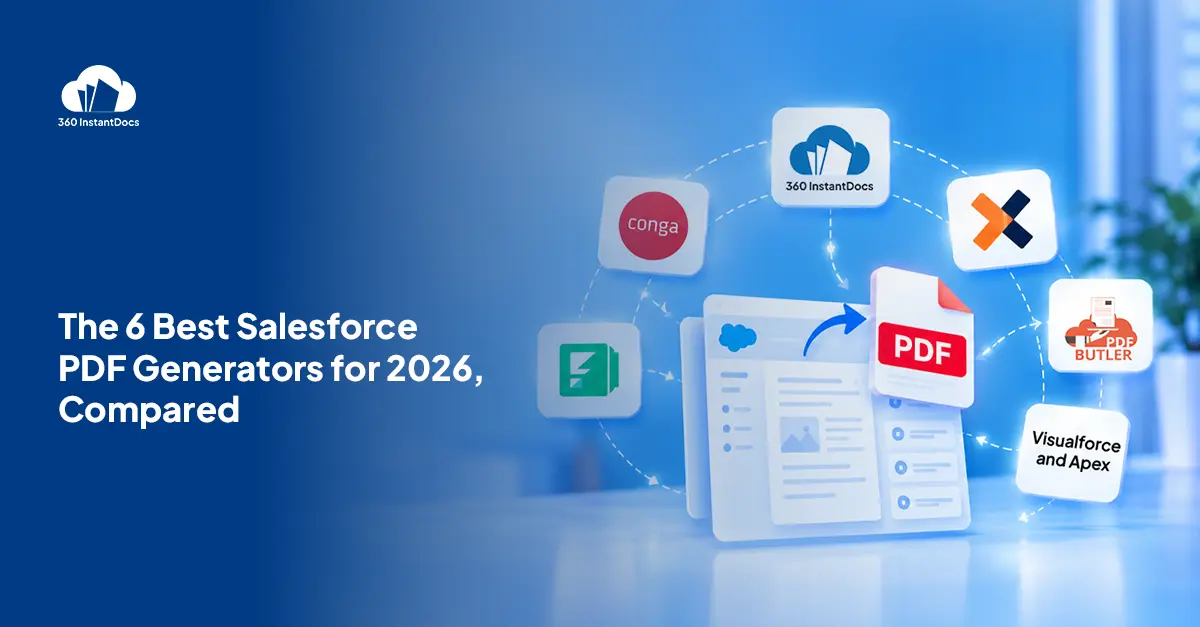
Top Salesforce PDF Generation Tools in 2026
Somewhere on your team, someone is copying a customer name, a price, and a payment term from Salesforce into a Word file right now. Then…
Read More: Top Salesforce PDF Generation Tools in 2026Ready to Make the Most Out of Your Salesforce Instance?
Our Salesforce aces would be happy to help you. Just drop us a line at contact@360instantdocs.com, and we’ll take it from there!

Resources
Guides, customer stories and how-tos from the 360 InstantDocs team.